 Photo2ColoringPage
Coloring Page Generator
Describe an idea or upload your own photo. Create one clean coloring page you can download and print for home or the classroom.
Two ways to startLine detail by ageOne printable page at a time
Clear faces, pets and simple backgrounds work best.
To keep a person or pet recognizable, start from a photo instead of describing them in words.
Sign in to use your 2 free generations. Each page uses 1 credit.
Your coloring page
Text-idea example. Your own result will replace it after generation.
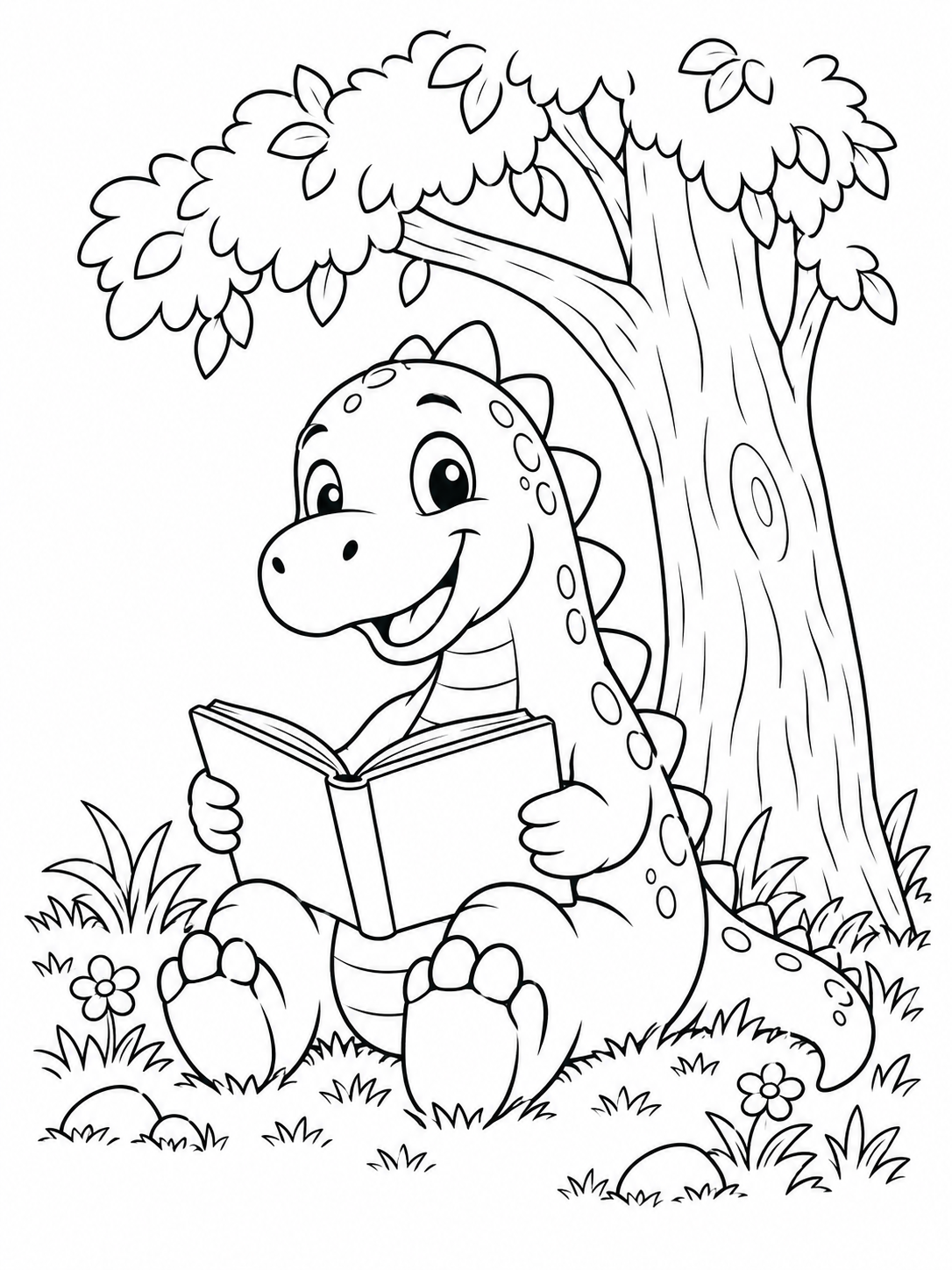 TEXT IDEA EXAMPLE
Coloring page generator examples
Explore what you can make from a short written idea or a photo. Each finished page is a black-and-white drawing made for coloring and printing.
Start with a written idea

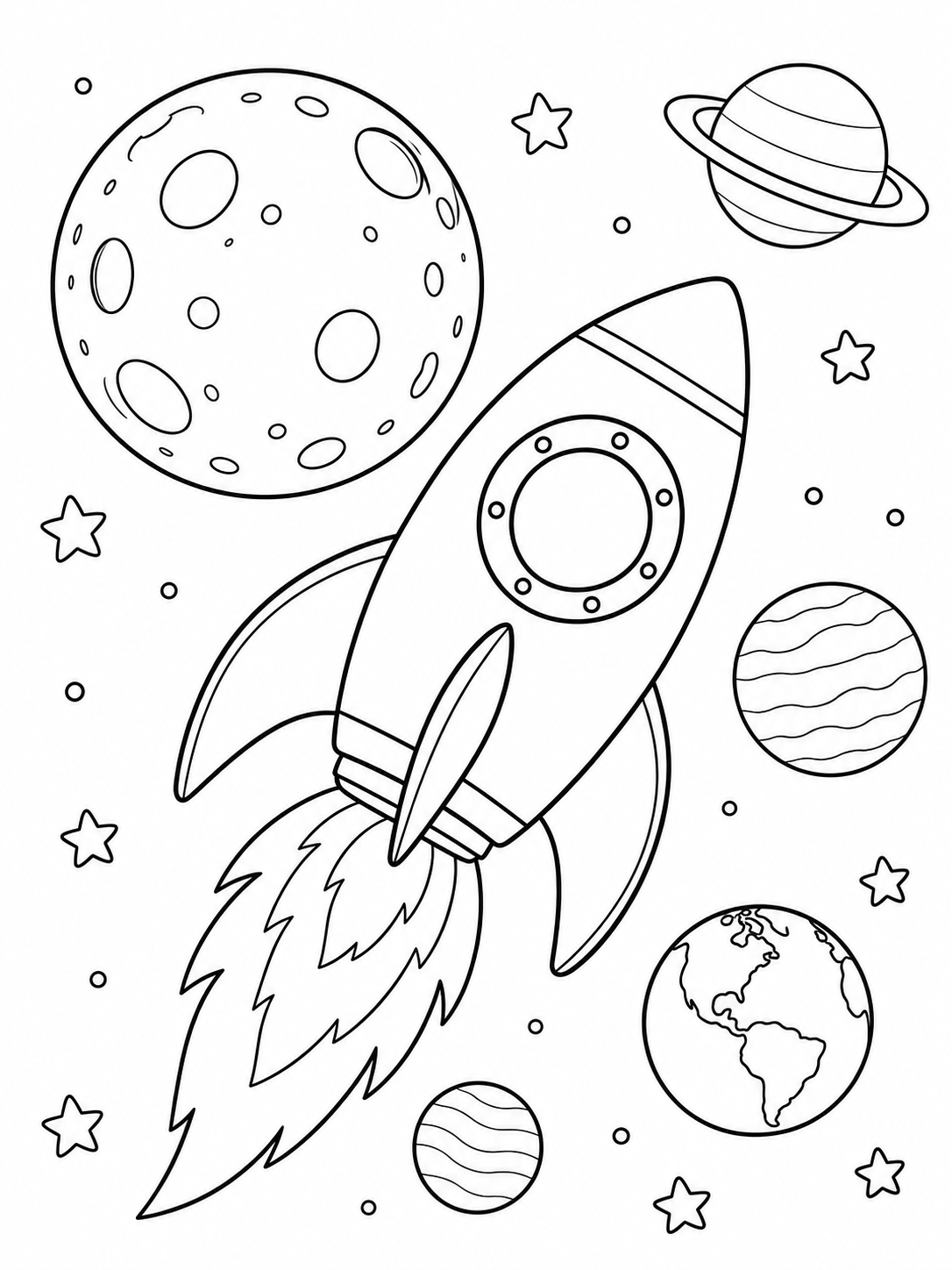
These are illustrative AI-generated examples, not outputs from this site's generator. Live results will vary.
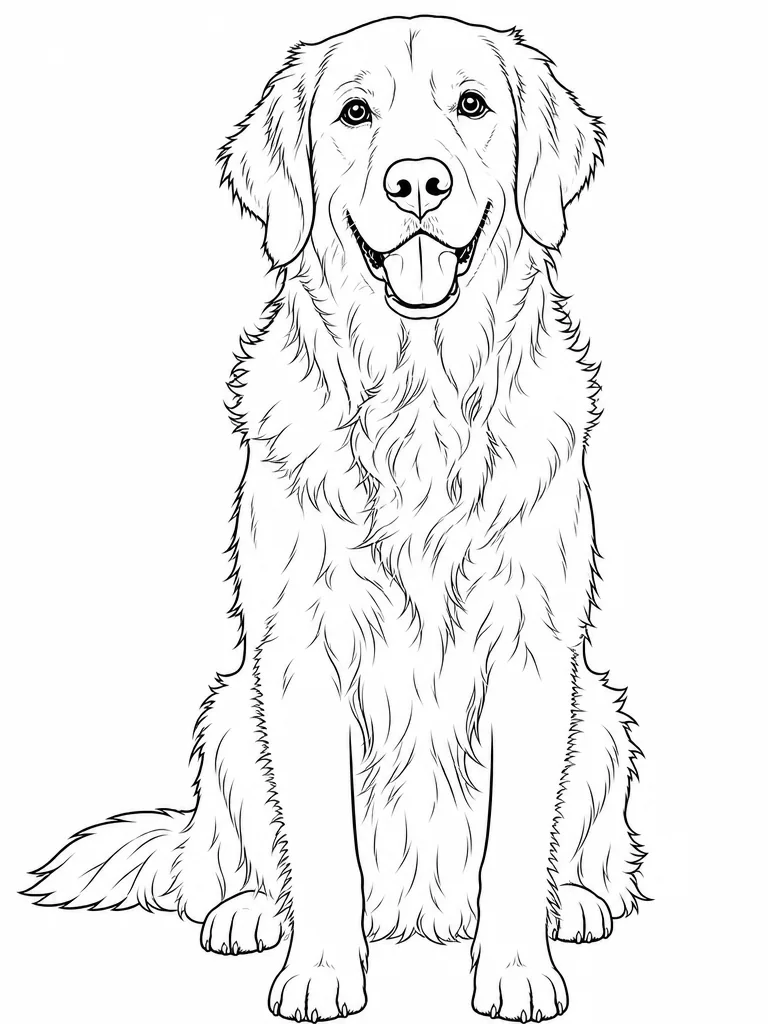
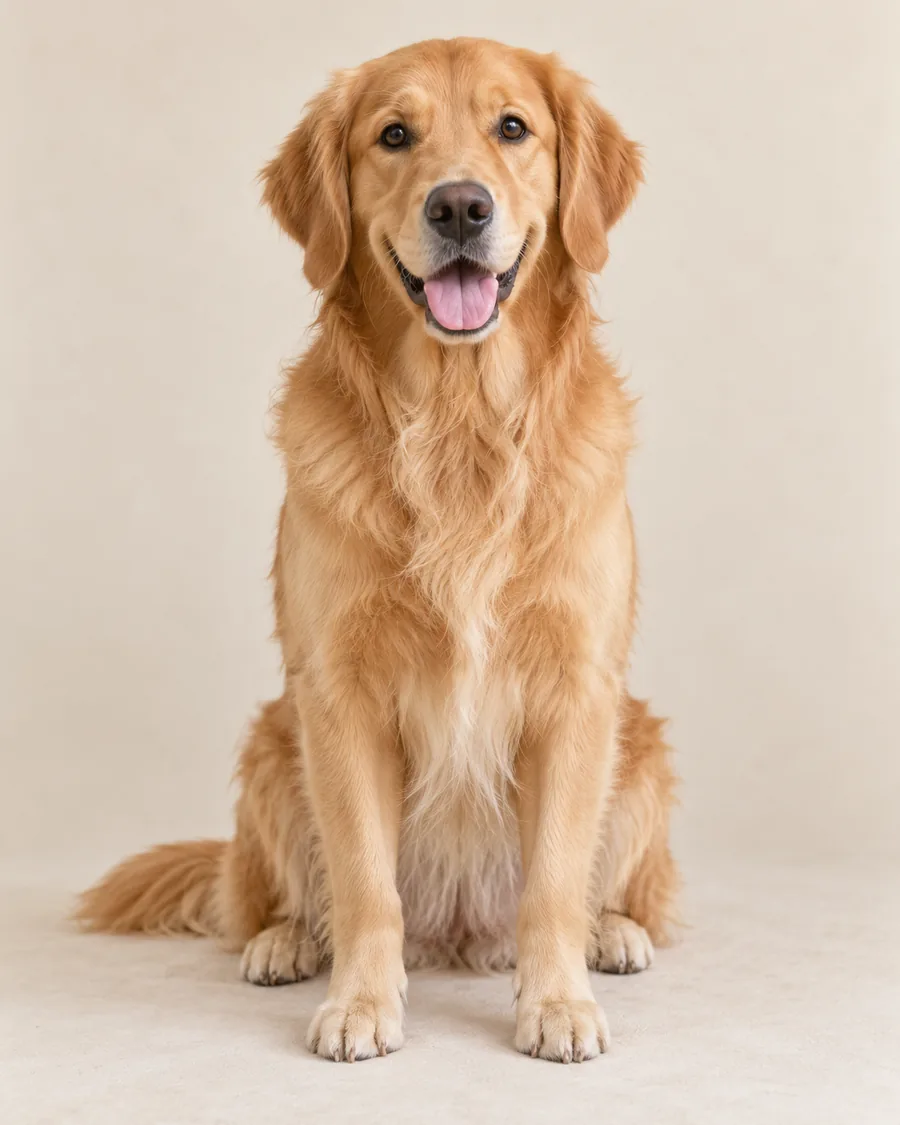
Start with your photo
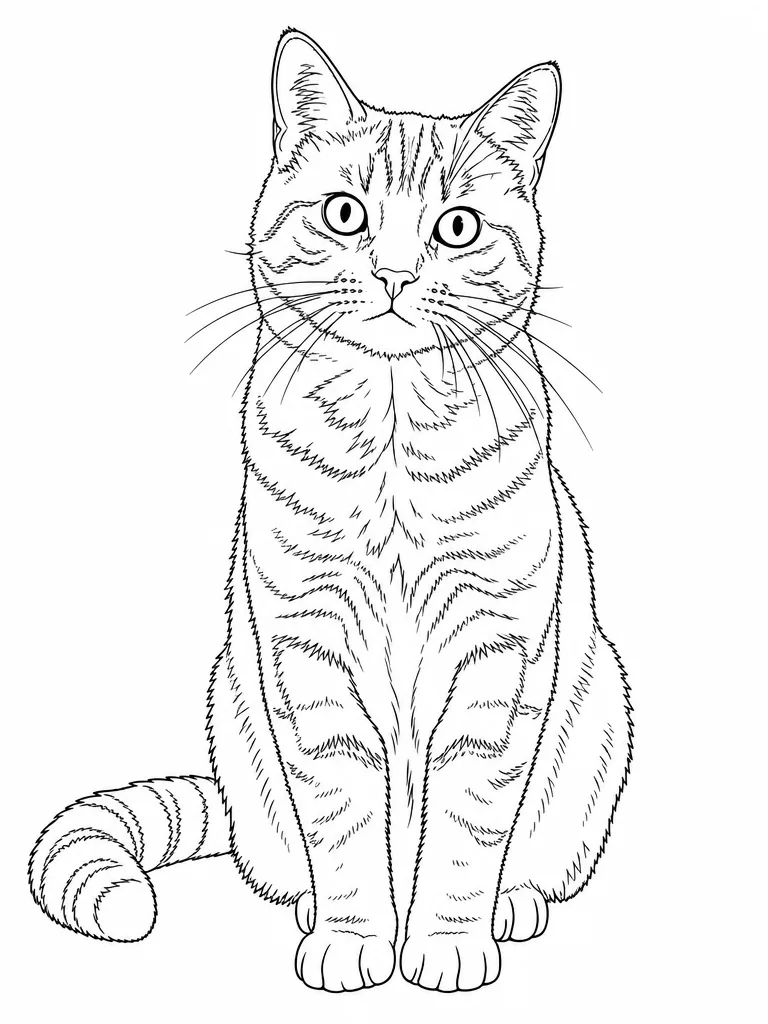
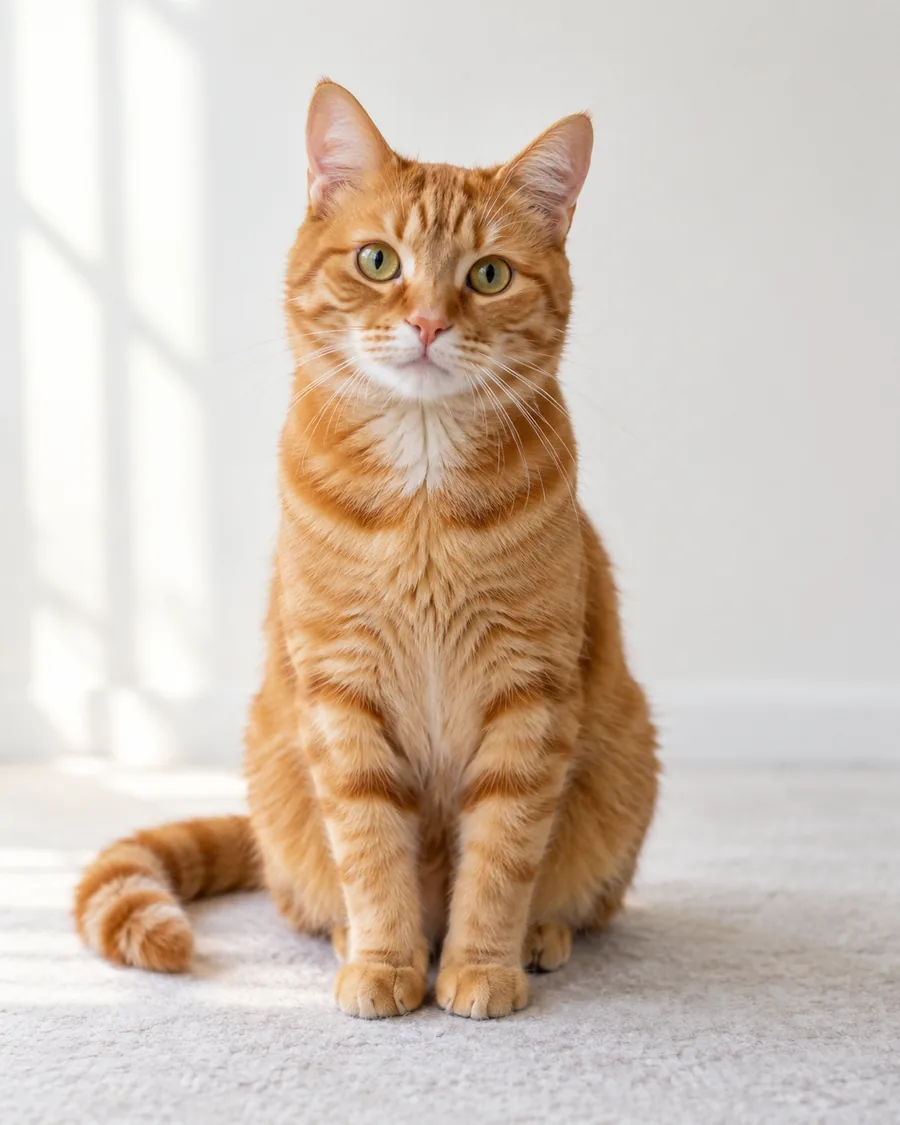
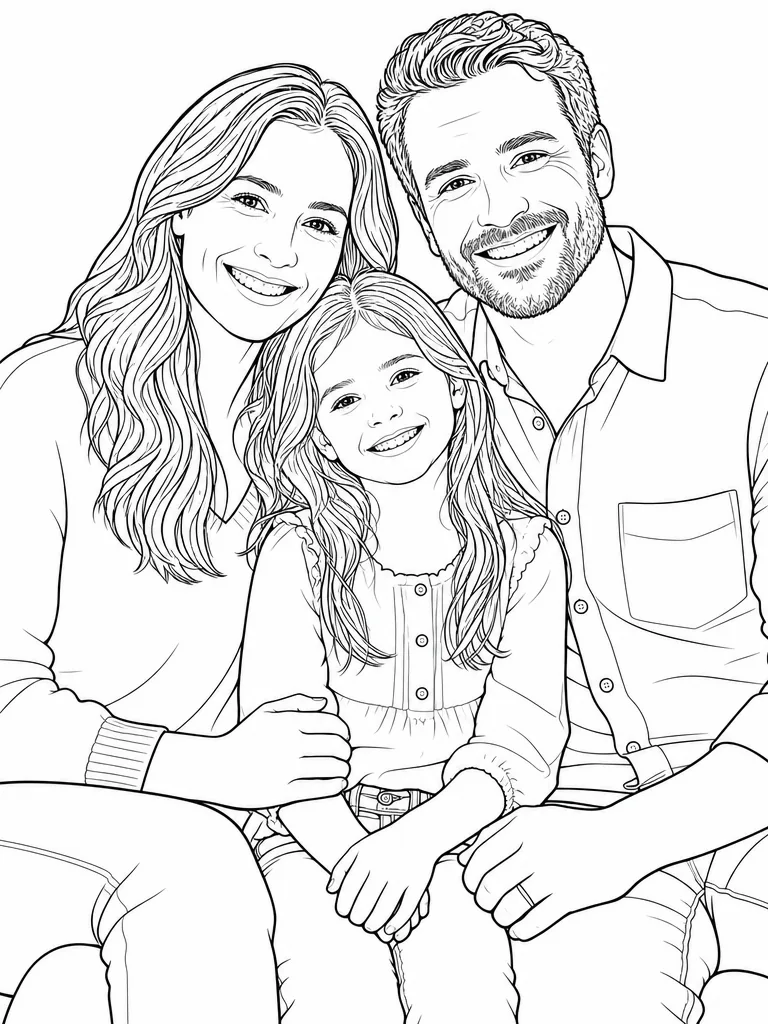
These photo examples use AI-generated demo source images, not customer photos.

How to use this coloring page generator
Make a single printable page around a specific idea, or turn a familiar photo into line art. You do not need to choose pixels, models or batch sizes before getting started.
Start with an idea or photo
Describe the subject and setting in a short sentence. If the subject must look like your own child, family or pet, upload a clear photo instead.
Choose line detail
Simple leaves larger spaces for younger colorists. Balanced is a practical starting point. Detailed keeps more small shapes for older kids and adults.
Review and print
Check that the outlines make sense and the spaces are comfortable to color. Download a PNG or print the result; generate another version if it needs adjusting.
What can you make?
The best coloring-page ideas describe one recognizable subject and a simple scene. These are starting points, not pre-made downloads.
For a child's favorite idea
Try “a baby dragon flying over a castle” or “a friendly truck carrying flowers.” A simple subject gives the drawing room for large colorable shapes.
For a class activity
Describe a garden insect, ocean habitat or season-related scene. Pick a level that suits the students who will use the page.
For a family keepsake
Use the photo tab to turn a real family moment or pet into a page children can recognize. Compare the result with the original before printing.
For a quiet creative break
Choose Detailed for flowers, cottages or nature scenes with more small areas to color. Keep the prompt focused so the page does not become crowded.
Coloring page generator questions
Can I make a coloring page from text?
Yes. Choose “Describe an idea,” write a short description of the subject and scene, select a line-detail level and generate one page.
Can I turn my own photo into a coloring page?
Yes. Choose “Use a photo” and upload a JPEG, PNG or WebP file under 10 MB. The photo conversion aims to keep recognizable features while simplifying the picture into colorable outlines.
Which difficulty should I choose?
Start with Balanced. Choose Simple for bolder outlines and larger spaces, or Detailed when the person coloring enjoys smaller shapes and more line work.
Is this coloring page generator free?
Start with two free generation credits; each generated page uses one credit. You can see the cost before generating. This is not an unlimited free service.
Can I print the result?
Yes. Download the PNG or use Print page. Select your printer's fit-to-page setting for US Letter or A4 paper; review the result before making multiple copies.
Will a generated page always be perfect?
No. AI can occasionally draw disconnected lines or change details from a photo. Inspect the page before printing and try a clearer prompt or another photo if needed.
More photo coloring tools
If preserving a real pet or family member is your main goal, these focused photo pages offer subject-specific tips.